
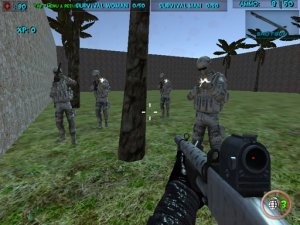
Team Wave Survival Challenge
Team Wave Survival Challenge offers fun cooperative play with customizable blasters and varied modes for all ages.
Ludo Classic Family Board Game is a digital version of the traditional board game that families have enjoyed for generations. The main goal is to be the first player to move all four of your tokens from the starting area to the center of the board. This version follows the classic rules that have made Ludo a popular pastime. Players can compete against computer-controlled opponents or challenge friends in local or online multiplayer modes. The game is designed to be safe and suitable for players of all ages, making it a great choice for family game nights. Its simple yet strategic gameplay offers plenty of entertainment, whether you are new to the game or have played before. The digital format allows you to play anytime, anywhere, without needing a physical board. The game captures the feel of the original while adding convenient features like customizable themes and full screen mode. It is a timeless strategy game that encourages careful planning and a bit of luck.
Players take turns rolling a single dice. To move a token out of the starting area, you must roll a six. Rolling a six also gives you an extra turn. Tokens move clockwise along the board path. Landing on an opponent's token sends it back to its starting area, adding a layer of defensive strategy. The first player to get all tokens to the center wins. You can play against AI opponents or challenge friends in local or online multiplayer. The controls are simple and intuitive, using keyboard and mouse. The game provides clear visual feedback for each move, making it easy to follow the action.
Classic Ludo gameplay with authentic rules. Multiplayer options include local and online play with friends or AI opponents. Customizable board themes allow you to change the visual appearance. The game is safe for all ages and works on desktop browsers. Full screen mode provides an immersive experience. It supports keyboard and mouse controls for easy navigation. The interface is clean and user-friendly, ensuring a smooth experience for all players.
Focus on moving all four tokens evenly rather than rushing one token. Use defensive positioning to block opponents and protect your tokens. Rolling a six is key to starting tokens and gaining extra turns, so prioritize getting tokens out of the starting area early. Keep an eye on opponent positions to avoid being sent back. Practice against AI to refine your strategy before playing with friends.
Team Wave Survival Challenge offers fun cooperative play with customizable blasters and varied modes for all ages.
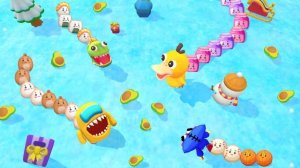
A delightful, family-friendly arena game that combines strategy and fun with safe, cartoon visuals.
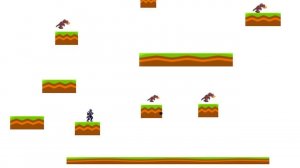
A bright, cheerful game with simple controls and gentle challenges that the whole family can enjoy.
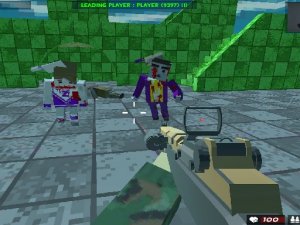
A colorful, family-friendly pixel action game with varied modes and offline play. Perfect for all ages.
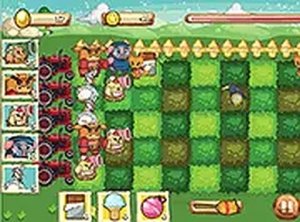
A charming and strategic tower defense game with cute farm animals and increasing challenge.
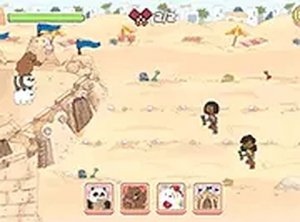
A cheerful strategy game with simple controls and fun combos. Perfect for quick play sessions on any device.
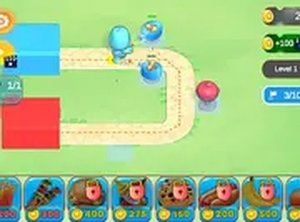
Sweet Treat Defense is a delightful strategy game with charming food-themed towers and smooth gameplay for all ages.
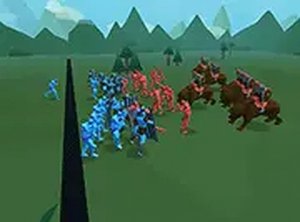
A fun strategy game with clever AI and hilarious physics. Easy to learn, hard to master.