
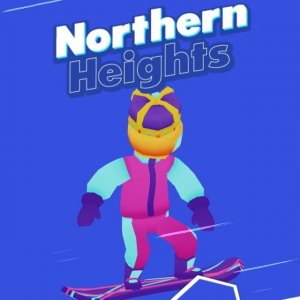
Northern Heights Snowboard Challenge
A fun, fast-paced snowboarding game with simple controls and increasing difficulty. Great for quick sessions.
Runner Race Challenge is a vibrant racing game where players take control of a runner navigating through various tracks. The main goal is to progress through each race without being eliminated. Players face obstacles, traps, and opponents that attempt to slow them down. The game offers both single-player and two-player modes, allowing participation against online opponents, computer-controlled bots, or a friend. By earning coins through achievements, players can unlock new skins and characters. The last runner remaining wins the race. This game emphasizes quick reactions and strategic movement.
To play Runner Race Challenge, use the keyboard to control your runner. In single-player mode, typical controls involve using W, A, S, D or arrow keys to move, and the Space bar to jump. In two-player mode, the first player uses W, A, S, D to move and G to jump, while the second player uses arrow keys to move and L to jump. Navigate through colorful tracks, avoid obstacles, and outrun opponents. Collect coins and complete achievements to unlock new skins and characters. The game is designed to be accessible for players of all ages.
Runner Race Challenge includes colorful tracks filled with obstacles and opponents. Single and two-player modes provide variety in gameplay. Unlockable skins and characters add customization options. Achievements reward progress and give players goals to work toward. The game is browser-based and can be played online without downloads. It is suitable for kids and families, promoting quick thinking and hand-eye coordination.
Focus on learning track layouts to anticipate obstacles and traps. Practice jumping timing to clear hazards efficiently. Collect coins whenever possible to unlock new skins and characters faster. In multiplayer, observe opponents' movements to predict their strategies. Use the two-player mode to practice with a friend and improve your reaction speed. Regular practice helps build familiarity with the game mechanics.
A fun, fast-paced snowboarding game with simple controls and increasing difficulty. Great for quick sessions.
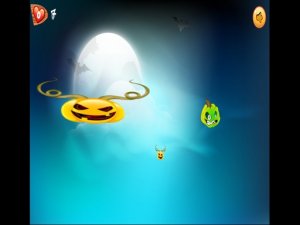
A fun, fast-paced tapping game with a spooky Halloween theme that is safe for all ages.

Color Fall is a fun and colorful physics puzzle game that is easy to play and hard to put down!

A fun and addictive music game that lets you play piano tiles to your favorite songs. Great for all ages!
Simple and fun skateboarding game with easy controls and colorful graphics. Great for quick play sessions.
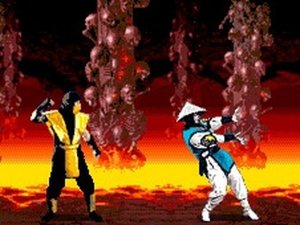
A nostalgic retro action game for mobile that combines classic characters with simple touch controls. Fun for all ages.
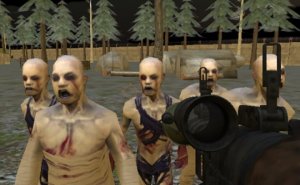
Engaging strategic action with immersive sound and detailed visuals. A rewarding adventure for fans of careful planning.
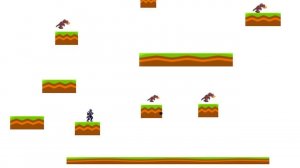
A bright, cheerful game with simple controls and gentle challenges that the whole family can enjoy.